Live webinar. Monday, Nov 30, 12:00 PM ET.
Let AI do the $10‑an‑hour work so you can do the $100‑an‑hour work.
A live webinar on Monday, Nov 30, with the framework and setup to hand off follow-ups, reports, and review requests.
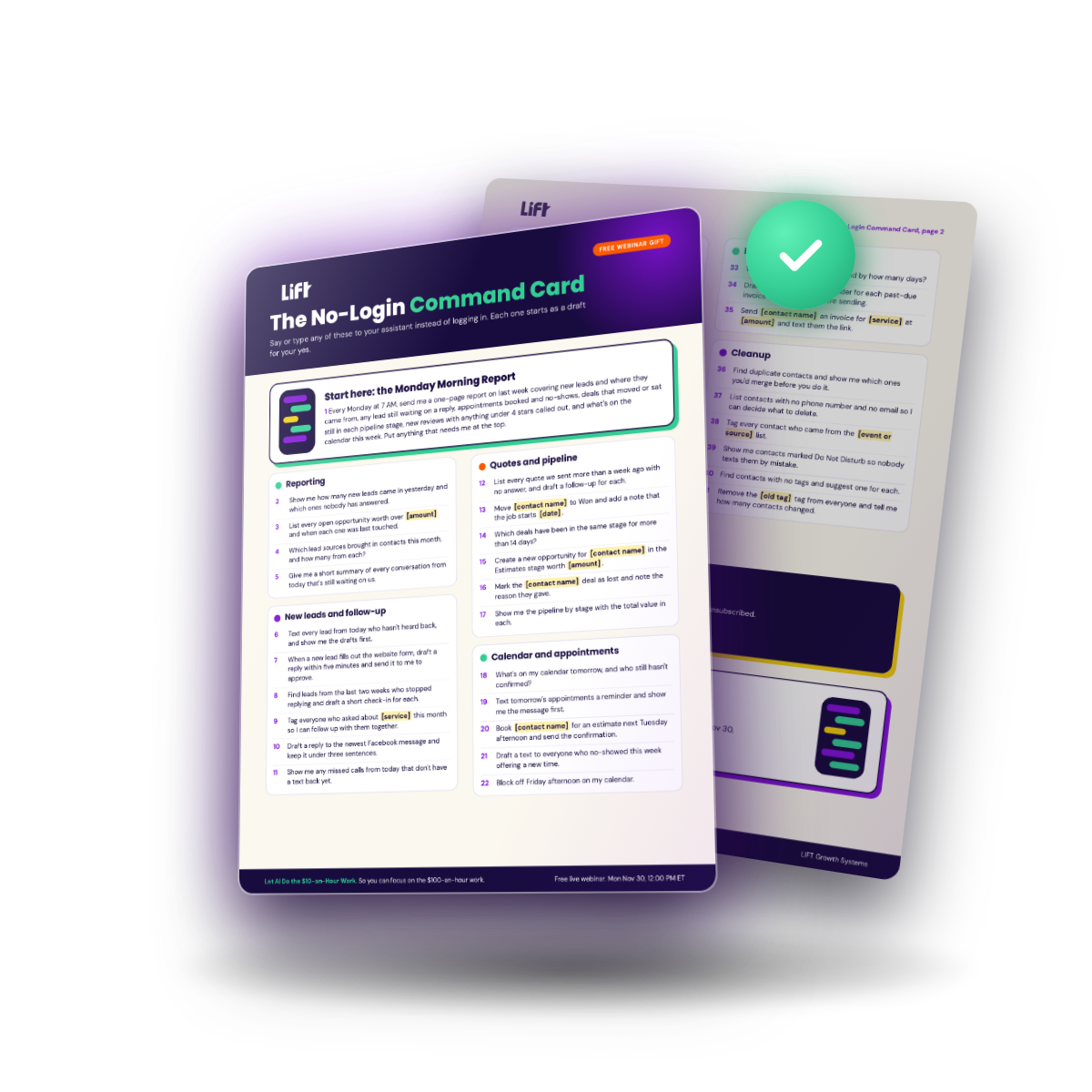
Register and you get the No-Login Command Card, 41 commands you can give your AI to help run your CRM, as soon as you sign up. On Monday, Nov 30, Nathan shows you how to use Grok Bot with LIFT CRM. Show up live and you get all his tips, tricks, templates, and skills, plus a spot in the drawing. The grand prize is one year of LIFT Clarity, valued at $3,564.
The Command Card arrives as soon as you sign up. Show up live for the playbook and the drawing for a year of LIFT Clarity.
No purchase necessary.

Show up live and get the full do-it-yourself playbook
Registering gets you the Command Card in your inbox. Show up live and you're in the drawing, held at the end of the session. The bigger handoff is for people who actually show up.
Stay for the live session and you get the do-it-yourself playbook. It is a step-by-step document with LIFT's templates, tips, tricks, strategies, and setup instructions, so you can put this in place yourself. People who want help will know exactly what that help would even mean, because they will have seen the framework.
It goes only to people on the live attendance report. Replay viewers do not receive it. That is on purpose. The playbook is the reason to be in the room, not just on the registration list.
See it in under 2 minutes
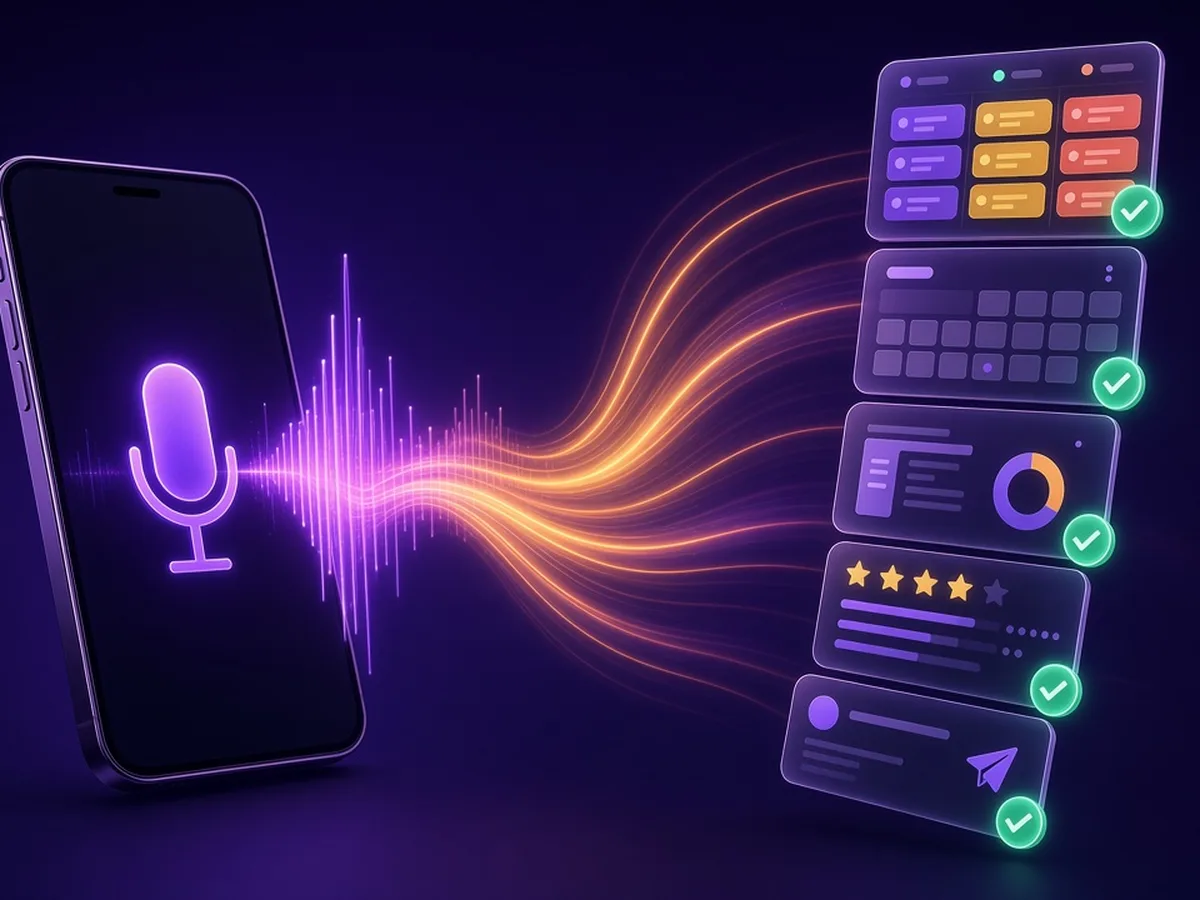
Watch Nathan give the assistant instructions and see how an owner approves from a phone.
You already have software that can follow up, report, and ask for reviews
The work still waits because nobody has time to run it.
This webinar is for owners of small businesses, especially home and local service businesses, who would rather hand that work to an assistant than learn another screen. Sending a text is about all the tech you'll need. Other kinds of businesses are welcome too.

What you'll see live
Real instructions, real CRM responses, no slides.
The framework and the setup.
In language you can use the next morning. How to manage your CRM using AI so you don't have to learn the system. The commands for the work you keep putting off. Nathan's tips, tricks, templates, and skills for Grok Bot and LIFT CRM, yours for showing up live.
The commands owners use most.
The commands that cover the work you keep postponing, written the way you would text an office manager.
How to start with one job.
How to start with one job, without turning this into a three-month project.
The steps to set it up yourself.
The steps to set it up yourself, with the playbook in your hands if you stay live. Or a clear picture of what help looks like, if you want someone else to do the setup.
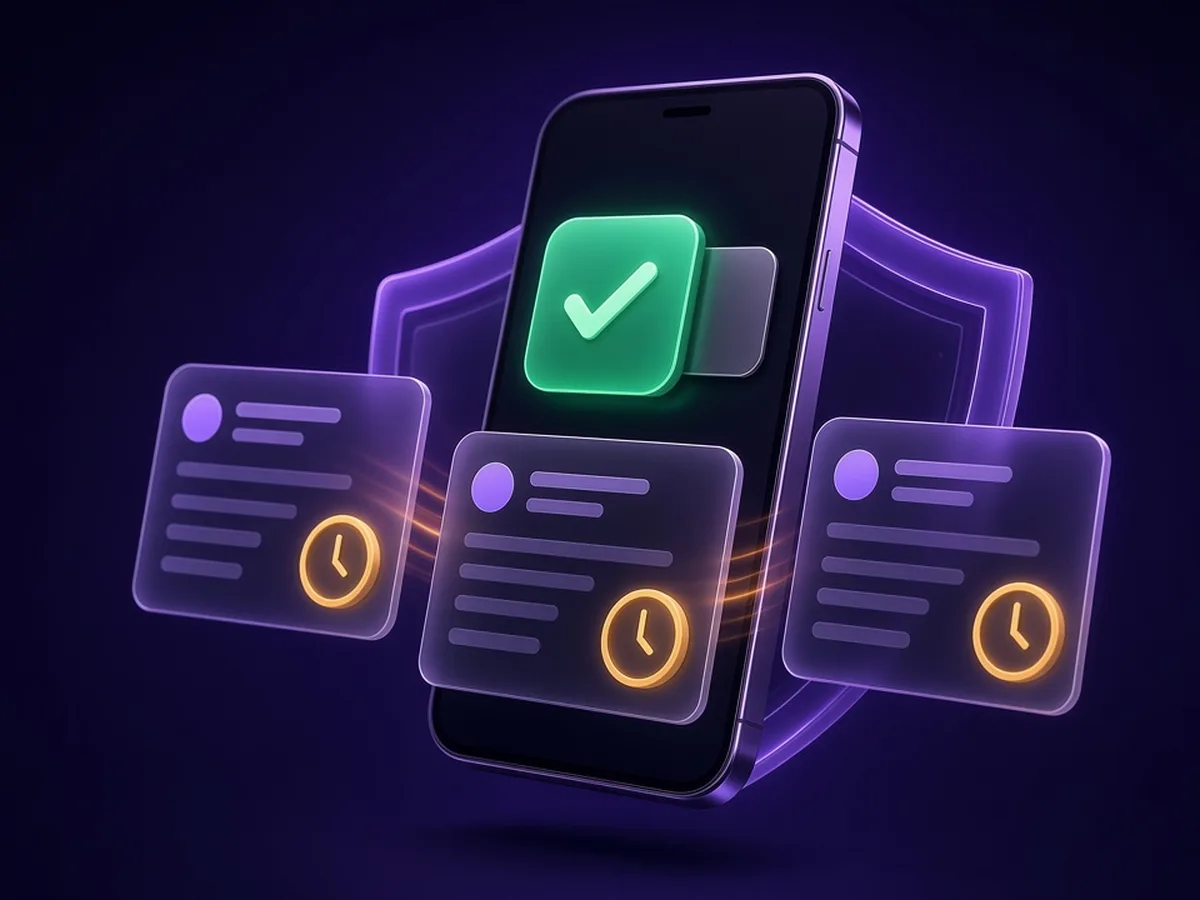
Every text & quote starts as a draft. You tap yes.
When confident, let it send 5 to 10 at a time.
Fully automated only after you decide it has earned trust.
Just for registering: The No-Login Command Card
You do not have to wait until Nov 30 to get something useful.
What you get the minute you register:
- 41 plain-English commands you can say or type to your AI
- The Monday Morning Report: one message, a full weekly report
- Commands for new leads, quotes, your calendar, reviews, and past customers
- Every command starts as a draft you can check before it goes out
- Lands in your inbox right after you register
What business owners say
Real setups running inside real companies every day.
“I use Wealthbox for one job and HighLevel for another, and keeping the two in sync was hard to manage. Nathan helped me set up an AI agent that handles the input work between them. It saves me about 5 to 10 hours a week, and I spend that time on the work that actually makes money.”
“I run a few companies. I've got AI sending emails and handling follow-up for me, which used to take a real chunk of my week. I spend that time on the parts only I can do.”
“I kept notes on every past client: what we built and when we finished. Nathan helped me set up an AI bot that sent each of them a personal message naming their project and when we wrapped it up, with an offer. We messaged 100 past clients and 11 wrote back. We estimate those conversations could lead to $200K to $300K in potential projects.”
Estimate of potential work, not revenue earned.

Nathan Klug
Michigan-based founder of LIFT Growth Systems
Nathan Klug is a Michigan-based founder of LIFT Growth Systems. He spent ten years on the floor of his family bakeries, then co-founded a financial services firm, onboarded 100 agents in 90 days, and became the bottleneck for every training session and every client deal. That is how he learned that willpower is not a system.
Now he helps small business owners, especially in home and local services, put follow-up and AI to work on the contacts they already have, so the $10-an-hour pile comes off their week and they can get back to the work that actually pays them. On Nov 30 he will walk you through the framework and stay for questions.
Frequently asked questions

What do I get when I register?+
Will there be a replay?+
Do I need to be technical?+
Do I have to switch CRMs?+
Will it do things without asking me?+
Will you try to sell me something?+
Is my data safe?+
The drawing
Everyone who attends the live session on Monday, Nov 30 is entered in a drawing, held at the end of the session. Grand prize: one year of LIFT Clarity, valued at $3,564. The winner still covers their own Grok Bot and usage costs. No purchase necessary.
Monday, Nov 30, 2026, 12:00 PM ET. Live.
What's one $10-an-hour task you keep meaning to finish this week?
No purchase necessary.